Multi-Protocol PC Interface Control Card

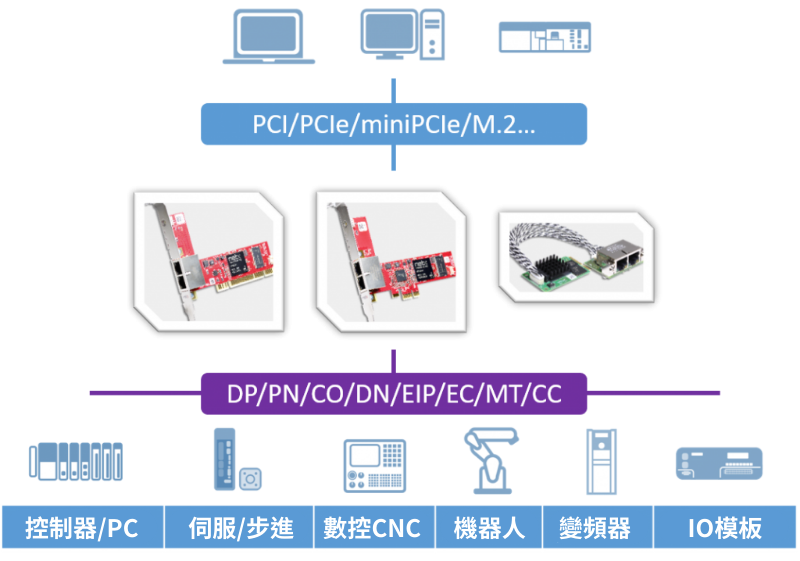
We provide PC-based multi-protocol universal control cards that extend PCs with various fieldbus and industrial Ethernet protocol interfaces to realize PC-based automation.

Supports multiple protocols: EtherCAT, PROFINET, CANopen, PROFIBUS, EtherNet/lP....

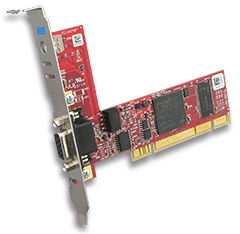
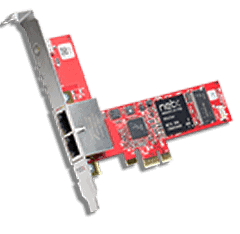
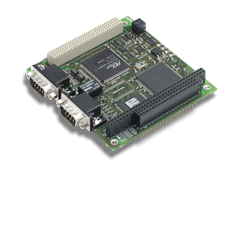
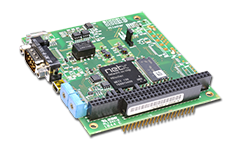
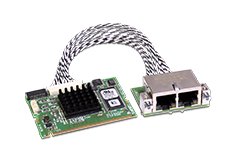
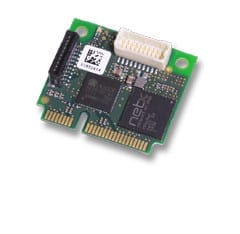
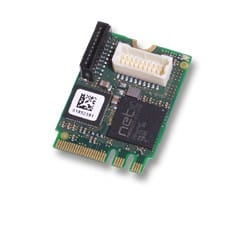
Support multiple interfaces: PCl, miniPCl, PCle, M.2, PCI104, PC/104, CPC....

Can be used as master or slave
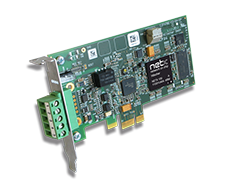
HH-CIFX Series

PC-based multi-protocol universal control card

Efficient PC-based communication solutions

Supports multiple industrial buses and Ethernet protocols, designed for automation, realizing flexible protocol switching on a single platform and adapting to a variety of industrial needs. With excellent data transmission performance and low latency, it is widely used in machine control, industrial manufacturing and process monitoring, greatly enhancing system integration and operational efficiency. 

Advantages and Applications

One card, multiple protocols, both master and slave

Supports numerous protocols including PROFIBUS, PROFINET, CANopen, EtherCAT, DeviceNet, Ethernet/IP, CC-Link, CC-Link IE Field Basic, Modbus, POWERLINK, etc. All supported protocols have passed the standard certification of various association organizations. All supported protocols have been certified to the standards of the respective association organizations. The protocols can be changed simply by loading different firmware (same model only).

Multiple device drivers for easy integration

Provides a wide range of device drivers. In addition to the free C-Toolkit, drivers for all related operating systems and software PLC drivers from third-party vendors are provided. Supported operating systems include Windows, INtime, Linux, OPC, QNX, Windows CE, and more.

HH-CIFX協議板卡

Easy to use and powerful

The protocol stack runs autonomously on the PC Card and exchanges and processes data with the host via Dual Port Memory (DPM) or Direct Memory Access (DMA). All PC Cards use the same drivers and graphical, intuitive configuration tools, with unique slot numbers assigned via rotary switches, different cable lengths, M-12 connectors, additional NVRAM, larger temperature ranges, 2-channel cards or split network interfaces.

Automation Control

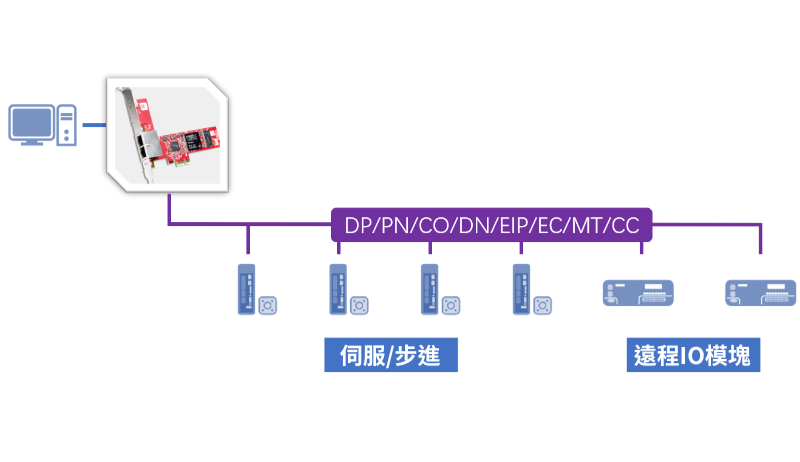
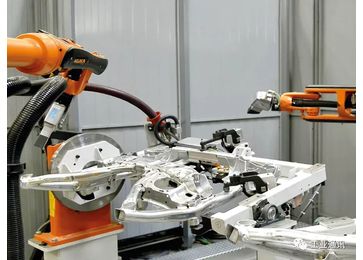
HH-CIFX is connected to a PC as a protocol master to control various slave modules (e.g. IO and servo). The HH-CIFX can be operated on the PC through a secondary development kit to be integrated into various industrial software, commonly used in robotics and semiconductor industries.

Data Acquisition and Monitoring

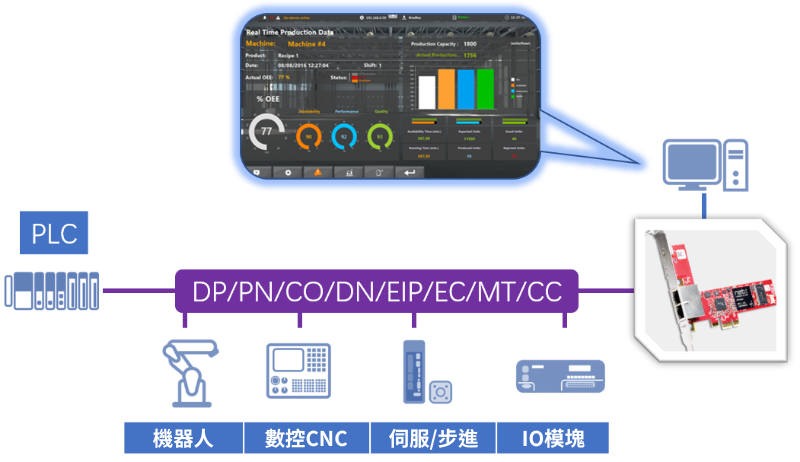
Connecting HH-CIFX to a PC as a protocol slave, it can acquire data from any protocol network and visualize it, which is commonly used in machine vision and intelligent manufacturing industries.

Data Transfer

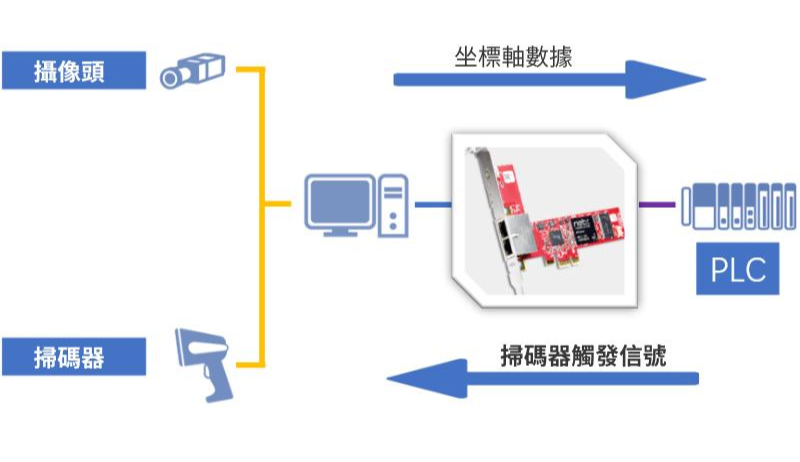
Using HH-CIFX as a data transfer bridge between PC and PLC, it can transfer data from PC (e.g., visual coordinate axis data) to PLC, and can also use the data transferred from PLC to trigger devices (e.g., scanners, etc.) connected to PC.

Product Guide

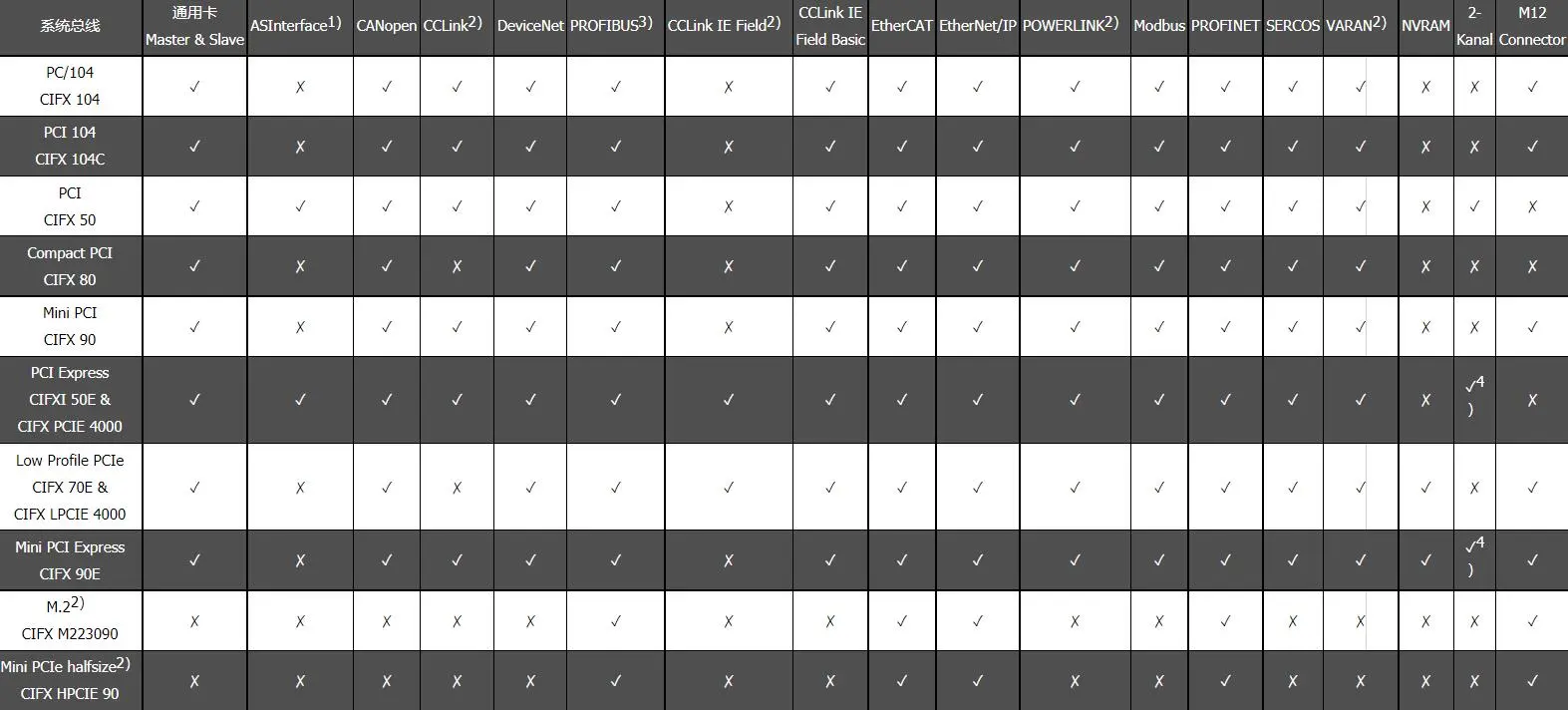
PC boards with various interface types supporting all communication protocols:

The HH-CIFX card series provides users with a unified standard that supports all real-time Ethernet and fieldbus systems for PC-based automation. The protocol stack on the card is executed autonomously by the PC Card and exchanges data with the host via Dual Port Memory (DPM) or Direct Memory Access (DMA). All HH-CIFX cards use the same drivers and configuration tools and can be easily configured regardless of protocol or interface type.

Based on netX technology, the HH-CIFX cards can switch between real-time Ethernet protocols by loading different firmware, so that all protocol types can be supported on a single piece of hardware. The cards also feature flexible hardware options, including different cable lengths, M-12 connectors, additional NVRAMs, extended operating temperature ranges, dual-channel cards, or standalone network interfaces, to meet a wide range of application requirements.

In addition, Hilscher provides a wide range of device drivers and C-Toolkit free of charge to ensure that users can easily develop and configure them.The HH-CIFX series of cards follows the trend of technological development and supports the expansion of new standards and protocols, such as M.2, mini PCIe half-size cards or CC-Link IE Field, in order to meet the new demands of the market. Regardless of the industrial environment, the HH-CIFX card series always provides the right solution.


Contact Honghong engineers to select the best model for you.

PC工業通訊板卡-產品選型

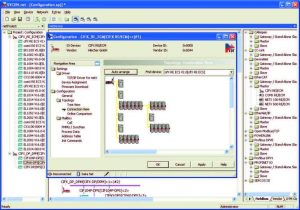
  • Graphical and intuitive configuration tool for simple, fast debugging

  • A tool for all products and automation networks

  • Master and Slave Configuration

  • Based on common FDT / DTM standards

  • Includes topology editor for PROFINET I/O IRT Controller.

Application Cases

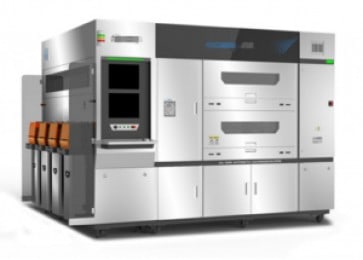
Multi-protocol connectivity problems of optical inspection instruments

Unified control of the developer for glue distribution

HH-CIFX Frequently Asked Questions and Answers

Welcome to inquire

The configuration, commissioning and diagnostic software SYCON.net enables the management of complex and heterogeneous network architectures for the boards' supported industrial protocols, eight field buses and all the latest real-time Ethernet systems.

The board provides support for different programming levels. Programming levels start from the lowest level of dual-port memory up to the device driver level for the most common operating systems. Typical user development can directly call the CIFX API for secondary development, which is applicable to different operating systems and interface types.

National Instruments Provides a way to combine external DLL and shared libraries into LabVIEW The methodology in the By default, theHilscher CIFX Driver (for Windows (computer)) contains this type of external DLLIt's Windows (computer) Application Access CIFX hardware and the necessary software to run it. In addition, the DLL Can be integrated into LabVIEW and thus in the NI LabVIEW generic CIFX-APIThis makes it easier to access and control the hardware.

Probable Cause:
- Bus cable not connected
- There is a configuration mismatch between the master and slave servers
- The bus is set to be activated by the application program. In this case, xChannelBusState() can be used to enable the bus or set the initial output data.

By default, only root can access cifX devices. To change this restriction, the user needs to have access to the following device nodes and files, and the license can be changed automatically when the device is created through the udev rule.
- /dev/uio
- /sys/class/uio/uio/device/config

  1. In Windows, you can set whether to enable the interrupt function of the board by using the driver's software cifx setup, selecting the corresponding device in the devices recognized by the tool, such as cifX0, and checking the ”Use Interrupt“ and checking the box in the parameter setting column on the right side to enable the corresponding interrupt function of the board. Check the "Use Interrupt" box in the right parameter setting column to enable the corresponding interrupt function.

  2. In the Linux system environment, find the device.conf file under the device directory opt/cifx/deviceconfig/FW/device.conf, and add the attribute of irq, irq = yes means enable interrupt.


Honghong will provide you with any support you need!

Our professional Honghong team will be the first to respond and provide you with the best service to solve all your problems.