Features and Benefits:
• Multi-function CAN network connection: 提供多種整合選項,簡化電腦與 CAN 網路的連接,適用於工業和汽車應用。
• Economically efficient: 經濟高效的高性能解決方案,適用於嚴苛應用而不影響品質。
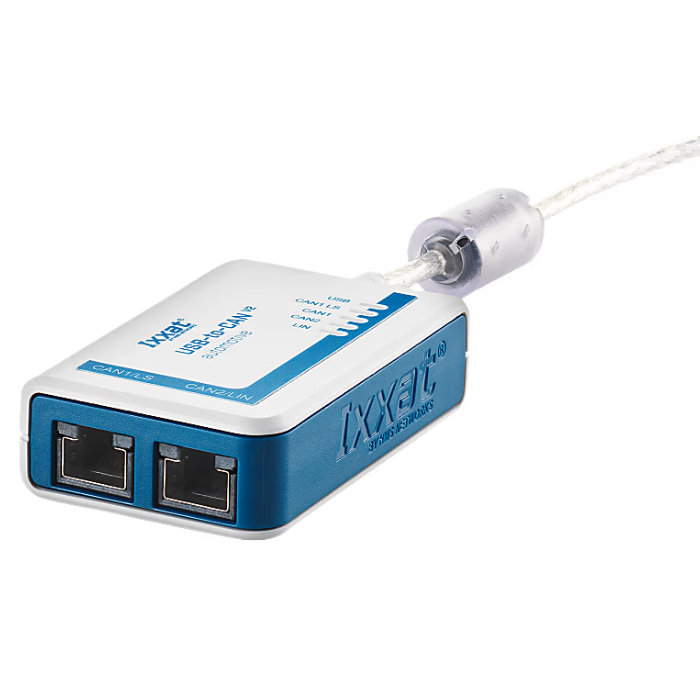
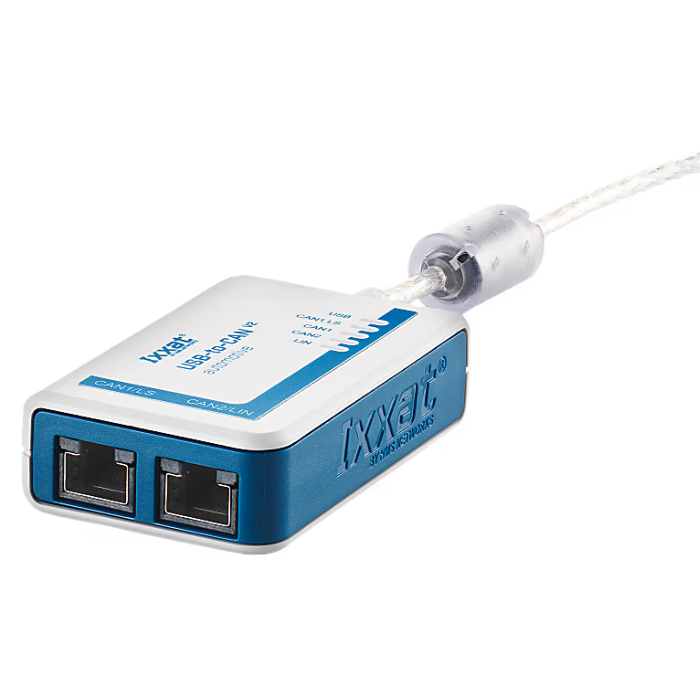
• Dual CAN connection: 配備兩個 CAN 通道,可透過 RJ45 連接器與兩個獨立的 CAN 總線系統連接。
• 多協議支援: 支援 CAN 高速、CAN 低速及 LIN,滿足未來多種需求。
• High-speed USB connection: 採用 USB 2.0 高速 (480 MBit/s),兼容 USB 1.1 及 USB 3.x,確保快速資料傳輸。
• Highly accurate timestamps: 板載高精度時間戳可精確追蹤和監控資料。
• 高效率資料處理: 高吞吐量和低延遲,滿足嚴苛的需求。
• Overpressure protection: 電流隔離設計可防止過壓及潛在的電氣損壞。
• 驅動程式相容性: Ixxat VCI 驅動程式支援多種現場匯流排,允許輕鬆切換不同 PC 介面類型。
• 強大的程式設計介面: 提供適用於 Windows、Linux 及即時作業系統的編程接口,靈活支持跨系統開發。
• Analysis software is included: VCI V4 下載套件中附帶 canAnalyser3 Mini,用於 CAN 網路的分析與監控。
• 包含適配器電纜: 附帶兩條 RJ45 至 9 針 D-Sub 轉接器電纜,可快速建立 CAN 連接。
Deliverables
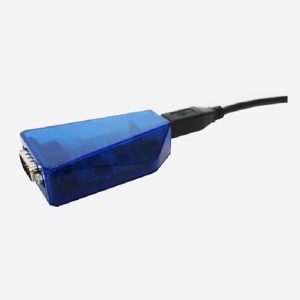
- USB-to-CAN V2 Interface, User's Manual, 2 x CAN adapter cables (20 cm, RJ45/Sub-D9 connector)
- Free Download: CAN Driver VCI, Easy CAN Monitor "canAnalyser Mini", Programming Examples
General Specifications
• Net Wide: 50 mm
• Net height: 80 mm
• Net Depth: 22 mm
• Net weight: 157 克
Power & Current
• Type of current consumption: Vcc Nominal 48 mA
• Maximum current consumption: 300 mA (5V DC)
• Input Voltage: USB 供應 5 V DC
• Power connector: USB
• Isolation: 1 kV DC(1 秒),500 V AC(1 分鐘)
Operating Temperature Range
• Minimum operating temperature: -20°C
• Maximum operating temperature: 70°C
• Storage temperature range: -40°C to 85°C
• 相對濕度: 10 至 95 %,非冷凝
makings
• Shell material: PC ABS to UL 94 VO standard
• Packaging Materials: Cardboard
• CE certification: 是
• U.S. FCC certified: 是
• Waste Electrical and Electronic Equipment (WEEE) category: IT and telecom equipment
• UK CA accreditation: 是
• Protection class IP: IP40
• Connector: 2 RJ45 connectors, 1 USB Type A connector
• Batteries included: 否
• CAN mode: CAN 高速 (ISO 11898-2:2016)、CAN 低速 (ISO 11898-3)
• CAN 控制器: CAN 2.0 A/B
• CAN 波特率: CAN 高速:10 kBit/s 至 1 MBit/s,CAN 低速:10 kBit/s 至 125 kBit/s
• CAN Transceiver: TI SN65HVD251
• LIN 模式: LIN V1.3 和 V2.0/2.1,支援指令者/回應者模式,透過軟體可切換 LIN 幀格式
• LIN 收發器: TJA1020
• LIN 波特率: 最大 20 kBit/s