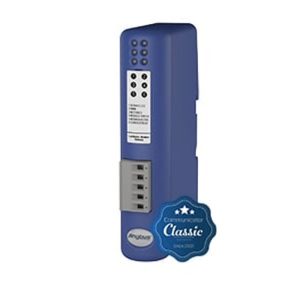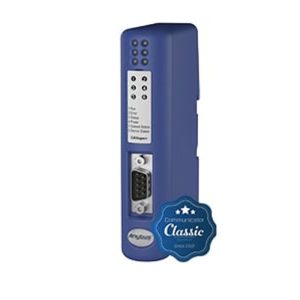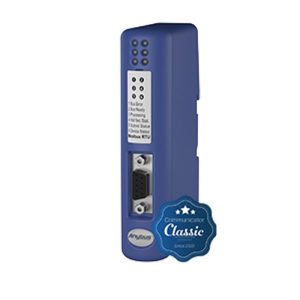
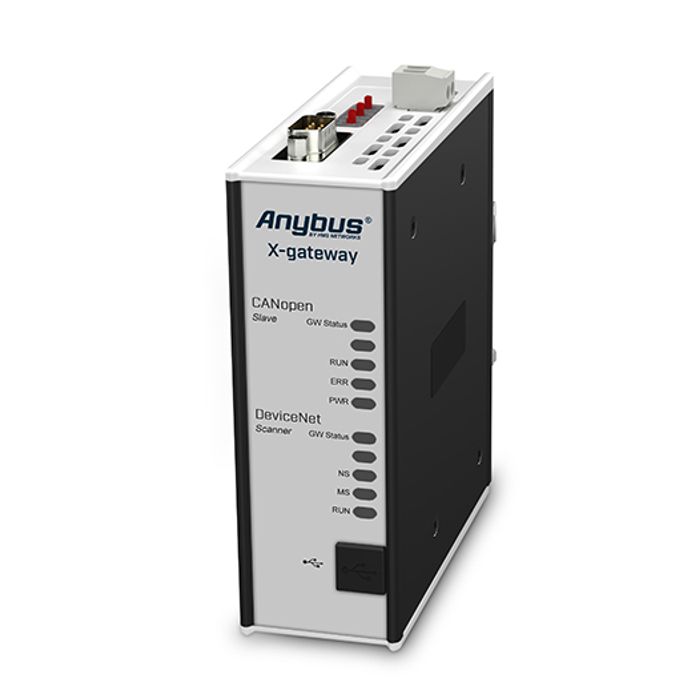
DeviceNet Scanner – CANopen Slave
Anybus X-gateway讓您可以在DeviceNet和CANopen網路之間無縫內部連接PLC控制系統以及它們所連接的設備。
Fast copying of I/O data
The main function of the X-gateway is the fast transfer of cyclic I/O data between two networks. This eliminates the need for additional calculation work by your PLC. The gateway acts as a slave on both networks. The data transfer is completely transparent and has a maximum data capacity of 512 bytes in each direction.
Easy to configure - no programming required!
The connection between the two networks is quickly established using the Anybus Configuration Manager software included in the X-gateway. No programming skills are required for the gateway setup. This is because the X-gateway is factory defaulted with a predefined I/O size of 20 bytes.
Description
Features and Benefits
- Fast recovery of cyclic I/O data between two networks (10-15 ms)
- Validated and tested by all PLC manufacturers
- Supports up to 512 bytes of input and output data in each direction.
- 強大的針對DeviceNet的掃描器接口,無需PLC控制器
- Optional control and status information can be added to the I/O data for diagnostic purposes.
- Rugged, self-contained housing for use in harsh industrial environments
- Free worldwide technical support and consultation
DeviceNet Scanner/Master Features
When an off-the-shelf DeviceNet control PLC is not available, the Anybus X-gateway with integrated DeviceNet scanner interface can be used.
- ODVA's DeviceNet Conformance Test™.
- DeviceNetNet Specification Version: Communication Adapter Specification 12
- Supports up to 63 DeviceNet adapters/slaves.
- Maximum 512 bytes of input data and 512 bytes of output data
- Optional online device list showing active status of connected adapters
- DeviceNet baud rate 125, 250, 500 kbit/s
- Supports I/O slave messages: bit-pass, polling, cyclic, COS, and explicit messages.
- MacID node address setting via DIP switch
- DeviceNet scanner/adapter network configuration via built-in web interface or RSLogix/Studio 5000 software
- 1x 5-Pin, 5.08 Phoenix Plug Connector
CANopen從站接口
CANopen從站設置可以通過板上交換機實現,或者也可以通過導入提供的.EDS文件到控制PLC的工程工具來實現。
- 完整的CANopen從站功能根據CANopen版本4.02
- 最大512字節輸入數據和512字節輸出數據(PDO + SDO)
- 可定制的PDO映射
- 高達80 RPDO和80 TPDO
- 傳輸類型:PDO同步,狀態變更,基於事件和RTR
- 網絡存儲和還原功能
- 心跳和節點保護支持
- 支持CANopen波特率10 kbit/s – 1 Mbit/s
- 通過.EDS文件或板上旋轉交換機進行CANopen配置
- 1x D-sub 9針公頭CANopen連接件
Technical Specifications
| Dimensions (L-W-H) | 114 x 44 x 127mm or 4,49 x 1,73 x 5,00″ |
| Weight | 400g or 0,880 lbs |
| Operating temperature | -25 to +65 °C or -13 to +149 °F |
| Storage temperature | -40 to +85 °C or -40 to +185 °F |
| Power supply | 24 VDC +/- 20% via 2-pole 5.08 mm Phoenix pluggable screw connector |
| Current consumption | max. 400mA (Typical 200mA) |
| Enclosure material | Aluminium and plastic |
| Installation position | Vertical / Flat* |
| Galvanic isolation | YES, on both BUS/Ethernet side |
| Mechanical rating | IP20, NEMA rating 1 |
| Mounting | DIN-rail (EN 50022 standard) |
| I/O configuration | via USB port with Anybus Configuration Manager software |
| Certifications | CE., CULUS, RoHS |
Ordering Information
| Order Code | AB7816 |
|---|---|
| Deliverables | Gateway Quick Start Documentation USB Configuration Cable 不 Includes power supply Configuration software available for download |
Warranty: 3 years. For purchase instructions and terms and conditions, please contactsupport@hongtronics.com