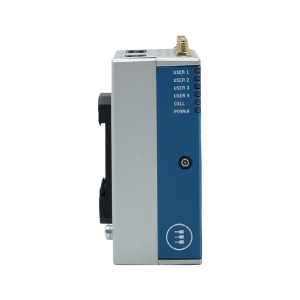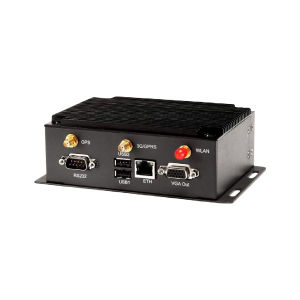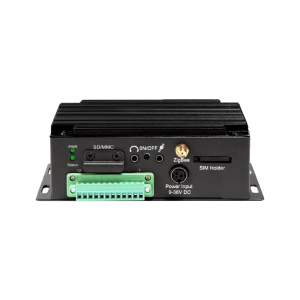
DATAHUB IOT GATEWAY Internet of Things Gateway
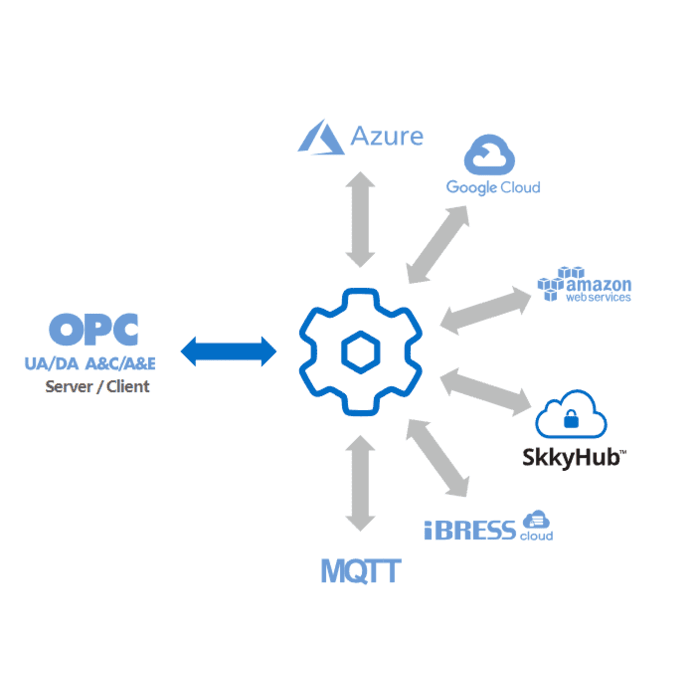
Connects to Azure, Google, Amazon and any standard MQTT proxy
DataHub® IoT Gateway™ delivers real-time OPC UA and OPC DA industrial data directly into manufacturing execution systems (MES), device clouds and big data analytics platforms.
Description

What can it do?
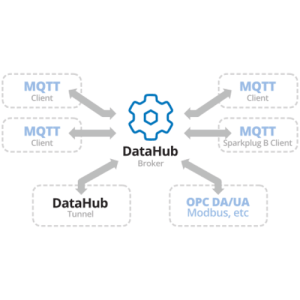
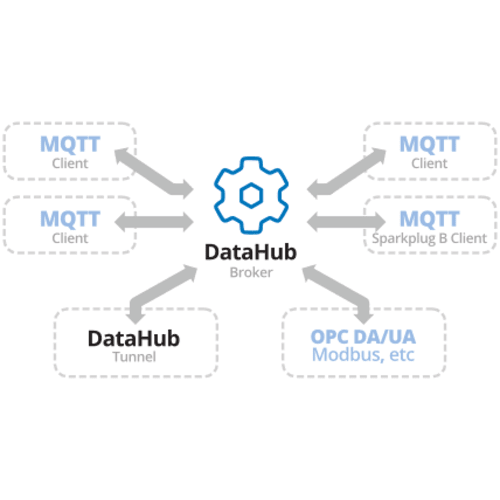
Connect OPC UA and OPC DA (classic) clients and servers to any MQTT agent, including Azure, Google, and Amazon IoT
Support for posting and subscribing
Provides customizable JSON data format to support most MQTT applications.
Supports Transport Layer Security (TLS), certificate-based authentication, username/password authentication, and service quality messaging
Support for MQTT version 3.1.1, including publishing and subscription methods
Supports self-signed certificates from AWS IoT for direct connection without third-party intermediaries
plus
No Points Limit
Client and server interfaces including UA and DA
Maintains the OPC UA data model while other gateways flatten it
Built-in automatic OPC ↔ MQTT protocol conversion.
Automatic discovery of all points on the server
Eliminate cache delays and stale data so you always know the quality of your data and have up-to-date value
Multi-threaded interfaces mean that slow or unresponsive servers do not slow down other connections.
Unlike other gateway solutions, a key advantage of using DataHub IoT gateways is that the data model remains intact. The complete data hierarchy from the OPC UA server is represented in the OPC DA client or MQTT agent.
Standard Functions
MQTT client - connects to any MQTT proxy
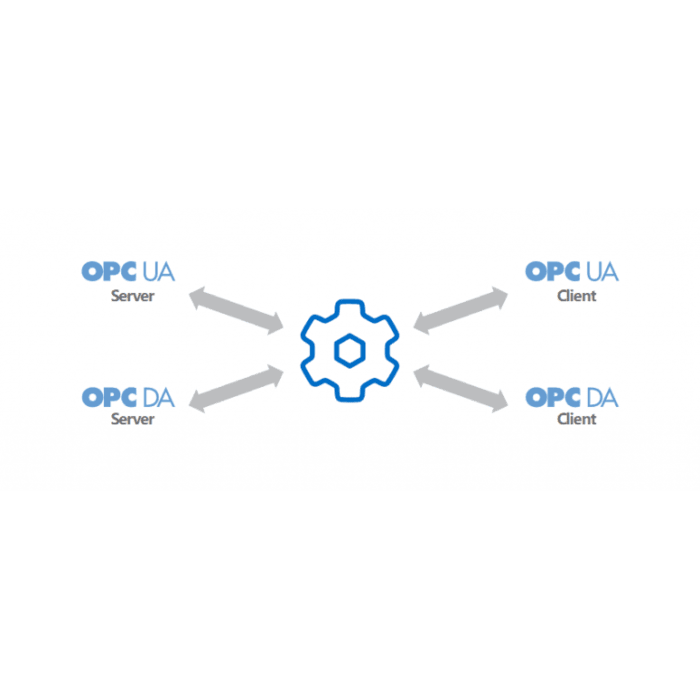
OPC DA Support - Connects to the OPC DA server and client.
OPC UA Support - Connects to OPC UA servers and clients.
Data Aggregation - Combine data from multiple sources into a common data set.
Secure Remote Configuration Tool-Configure the DataHub installation network from a single location.
QuickTrend - View real-time trends for selected data.
Scripting - Develop customized solutions to meet your specific needs.
Security - Control access and set user and group permissions.